Self Attendance App: Let Staff Mark Their Own Attendance with Selfie & GPS
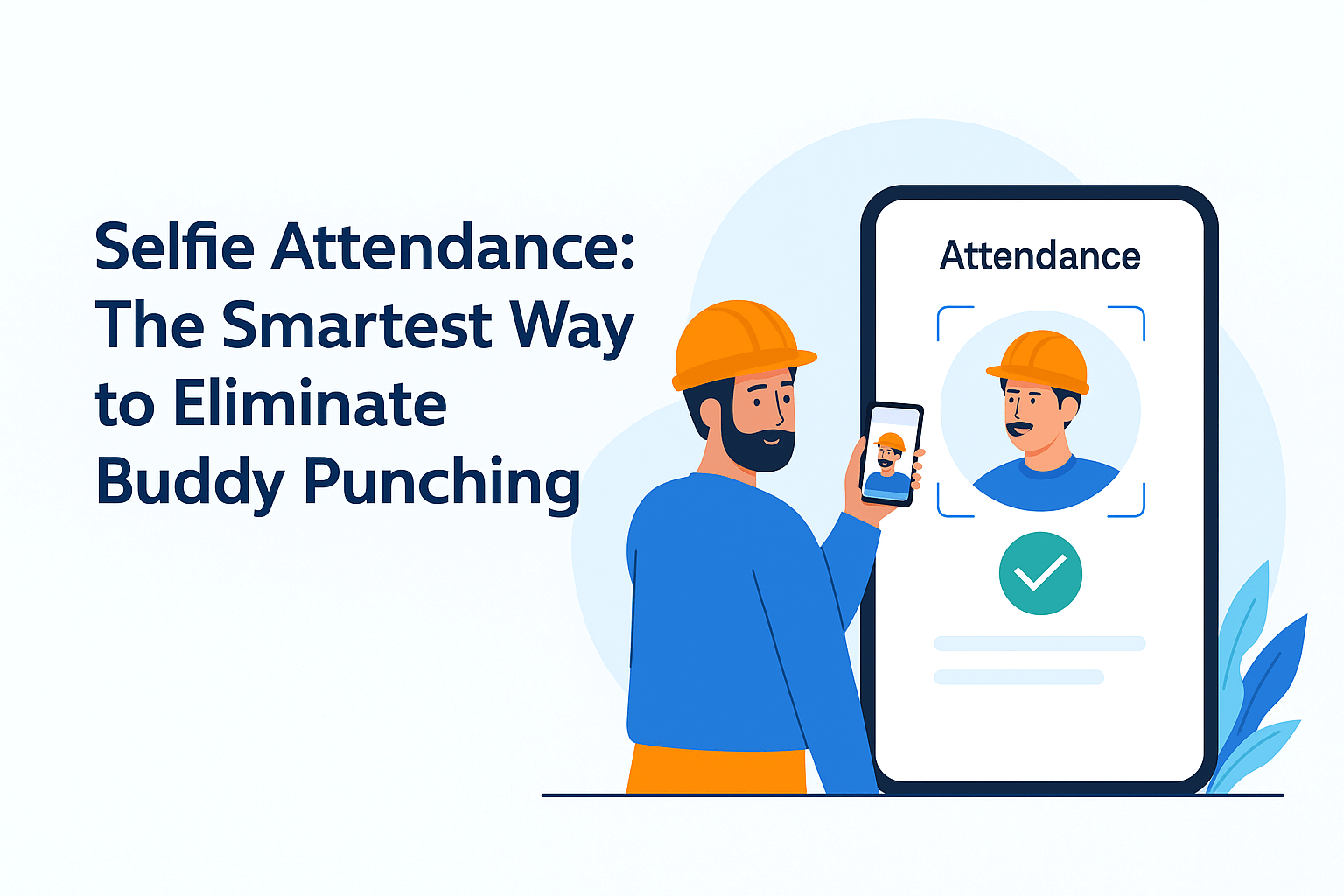
Quick answer: a self attendance app lets each worker or staff member mark their own attendance from their phone. To make it trustworthy, every check-in carries proof: a selfie photo, a GPS location that must be inside your shop, factory or site boundary, and optionally face recognition or a QR scan. The owner sees who checked in, when and where, without being present.
When self attendance makes sense
Owner-marked attendance is fastest when you are on the spot every day. Self attendance is better when:
- You are not at the location every morning, for example you run two shops, several sites or a factory with a second shift
- Staff work at many locations, like security guards, housekeeping teams, delivery helpers or field staff
- Shifts start at different times, so one person cannot mark everyone at once
- Staff keep asking "is my hajri marked?" and you want them to see their own record
Many businesses use both: supervisors mark labour on site, and monthly staff mark their own attendance.
The real worry: proxy attendance
The fear with self attendance is cheating: a friend marking for someone who did not come, or someone marking from home. Each layer below closes one gap.
1. Selfie with every check-in
The worker takes a photo while marking attendance. The photo is saved with the entry, so you can see who actually checked in. This alone stops most friend-marks-for-friend problems.
2. GPS geo-fencing
You set a boundary around each location, such as 50, 100 or 200 metres. Check-in only works when the phone is inside that boundary, so nobody can mark attendance from home or from the tea stall down the road.
3. Face recognition with liveness check
For larger teams or high-trust needs, face recognition matches the worker's face and checks it is a live person, not a photo of a photo. This is the strongest protection against proxy attendance. Read more about face recognition attendance.
4. QR code check-in
Workers without smartphones, or teams that want speed, can scan a QR code at the gate. It is fast, contactless and works well at factory entrances.
How to set up self attendance in HajariBook
- Download HajariBook and add your staff with their phone numbers.
- Turn on self attendance for the staff who should mark their own hajri.
- Set the location boundary for each shop, factory or site.
- Choose the proof you want: selfie, face recognition or QR.
- Staff check in from their own phone at the start of their shift.
Every entry shows up in your attendance list with the time, photo and location. Attendance then flows straight into salary, overtime and kharchi calculations.
Self attendance vs owner-marked attendance
- Owner-marked: fastest when you are present, works for workers without smartphones, but depends on you being there every day.
- Self attendance: works when you are away and gives each worker a record they trust, but needs a smartphone (or a QR point) and a clear rule on timings.
Rules that make self attendance work
- Announce the shift start time and what counts as late
- Explain the selfie and location check on day one, so nobody feels spied on
- Keep a backup: supervisors can still mark attendance for someone whose phone is broken
- Review the first week for missed check-ins, then let it run
Frequently asked questions
What if a worker has no smartphone?
The owner or supervisor marks their attendance as usual, or they use a QR code at the entrance.
Can staff mark attendance from home?
Not if geo-fencing is on. Check-in is only accepted inside the location boundary you set.
Does self attendance work for multiple locations?
Yes. Each site or branch has its own boundary, and staff can only check in at the locations assigned to them.
Will it calculate salary too?
Yes. Self-marked attendance is used for daily wage or monthly salary, half-days, overtime and kharchi deductions, just like owner-marked attendance.